Get the APK of the game you own
The web and desktop Patcher need the game as an .apk file. On Android you can usually skip this guide.
What you need
- The Blockheads installed on your Android phone
- For the computer route: a USB cable and Android’s
adbtool
1. On Android? Use the installed game
The Blockheads Patcher app for Android finds the game on your phone. Tap Use installed game — no file needed. Or tap Pick an APK file if you already have one.
2. Copy the game to a computer
Turn on USB debugging on the phone, connect it and ask Android where the game is. Then copy that file:
adb shell pm path com.noodlecake.blockheads
# package:/data/app/…/base.apk
adb pull /data/app/…/base.apk blockheads.apk
WARNING
If the first command prints more than one line, the game is split into several APK files. The Patcher can’t patch those safely — you need a full (universal) APK.
3. Open it in the Patcher
Open the web Patcher or the desktop app and drop the file in. It takes .apk files only. Nothing is uploaded.
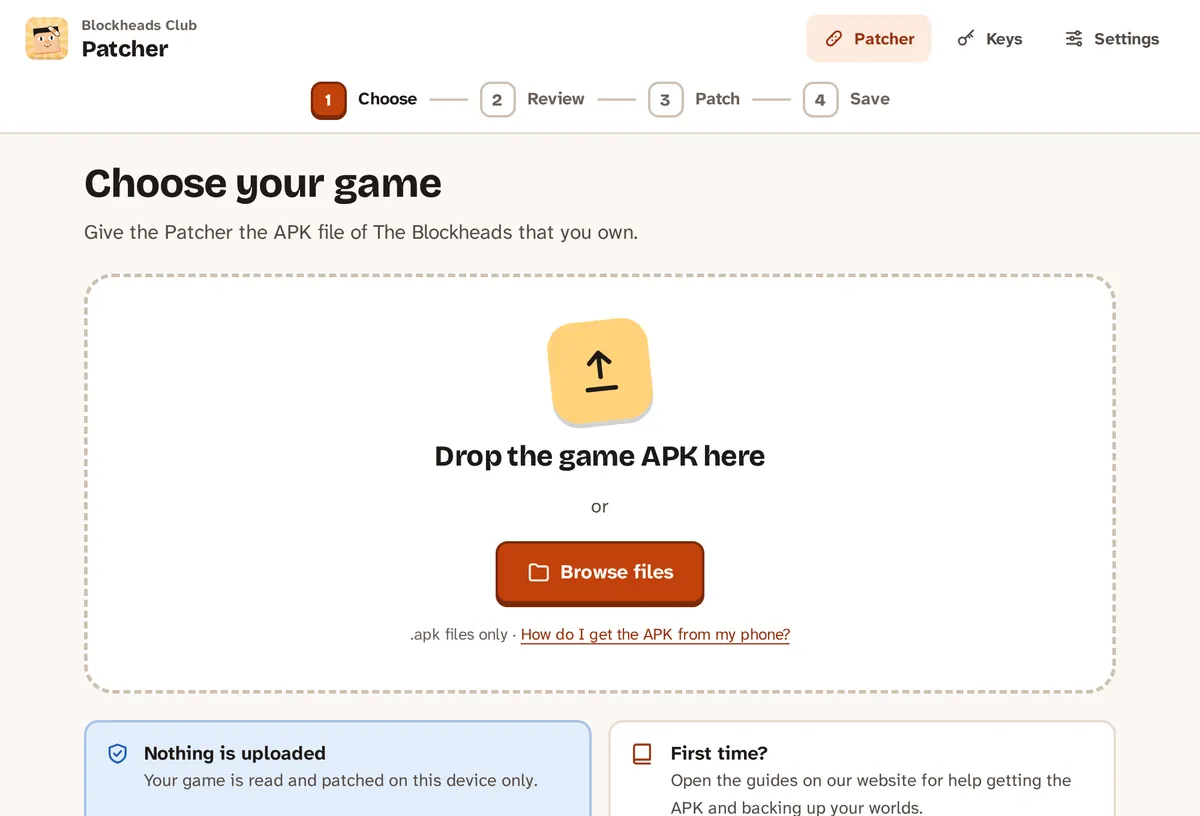
Drop the .apk file in, or browse for it.
TIP
Use only your own copy, and don’t share the APK with others.
If something goes wrong
- “Choose the .apk of The Blockheads that you saved from your phone.” — the file is a different app.
- “The installed game is split into several APK files…” — supply a full (universal) APK instead.
- Next: Fix the game on your phone.