
Admins, mods and bans explained
Who can do what on your server, and how to manage players from the app, the console or the game chat.
What you need
- A running Blockheads Server
- The player names you want to manage
1. Know the roles
The server console has every right. Admins have full control, including other admins. Mods can kick and ban players, but not change admins. Admins and mods type commands in the game chat, starting with /.
- Mods:
/players,/kick,/ban,/unban,/whitelist,/unwhitelist,/clear - Admins also:
/stop,/pvp-on,/pvp-off,/mod,/unmod,/admin,/unadmin,/load-lists - Owner only:
/set-password,/remove-password
2. Add admins and mods
In the app, open Access lists → Admins or Mods and tap Add admin or Add mod. Or tap a player under Players and choose Make admin or Make mod. In the console:
/admin playername
/mod playername
/list-adminlist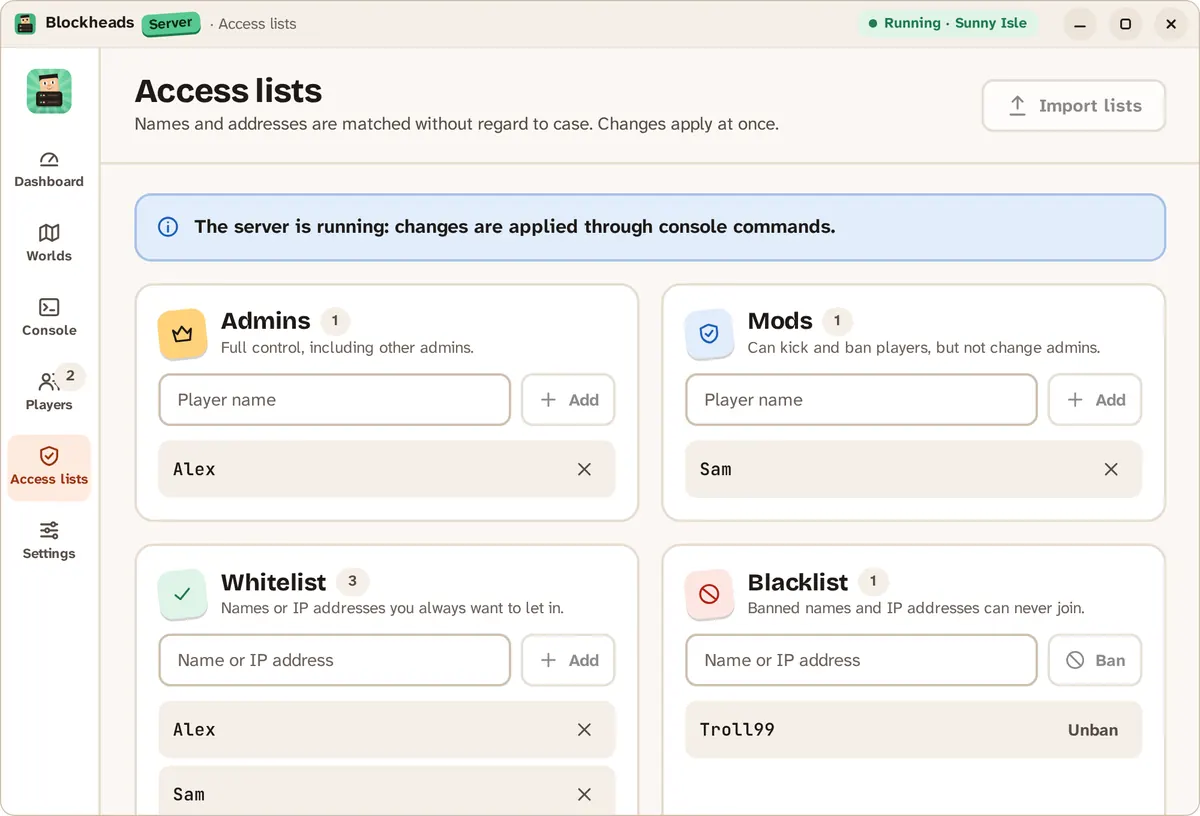
Admins, mods, whitelist and blacklist in one place.
3. Kick and ban
In the app, tap a player and choose Kick… or Ban…. A ban can also block the IP address, not only the name. /ban also bans the player’s device; /ban-no-device bans only the name.
/kick playername
/ban playername
/unban playername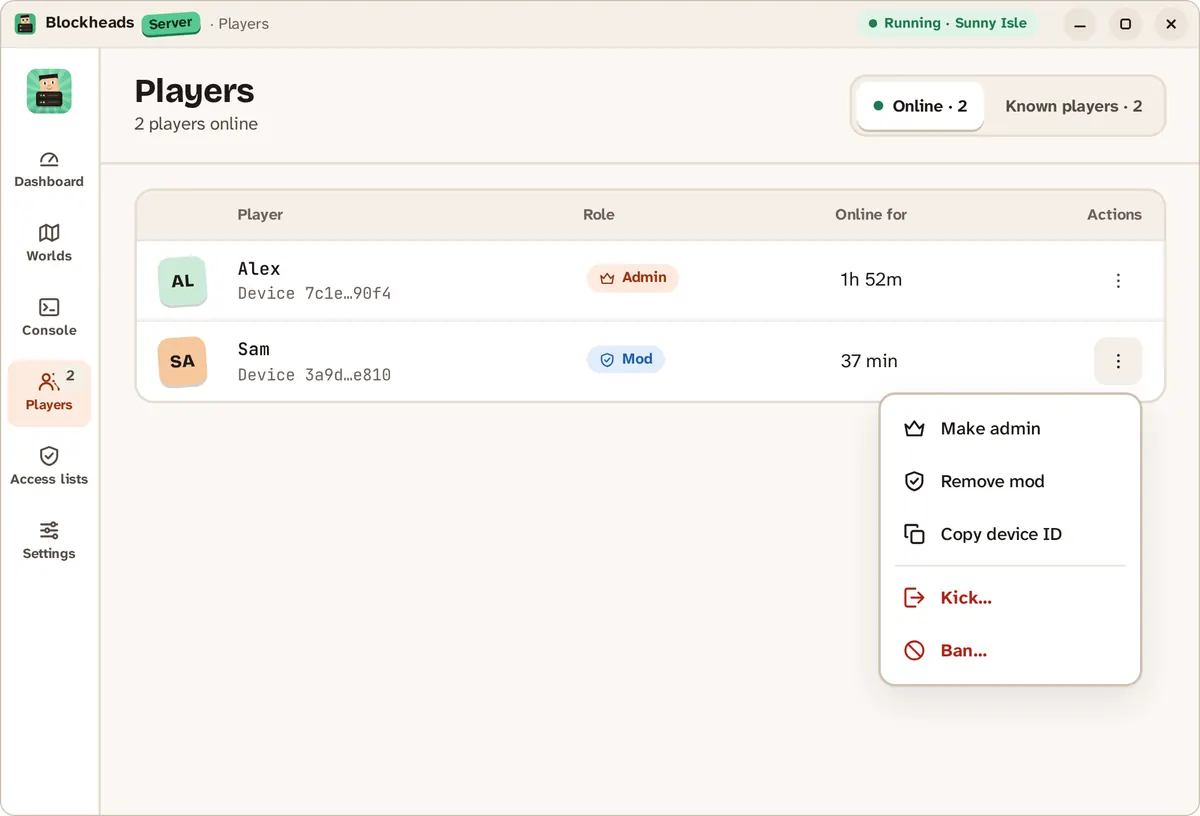
Tap a player to change their role, kick or ban them.
4. Use a whitelist
The whitelist turns on as soon as it has a name in it. Then only listed players can join, and anyone not allowed is kicked.
/whitelist playername
/list-whitelist
5. Edit the list files
Each world keeps adminlist.txt, modlist.txt, whitelist.txt and blacklist.txt in its folder under saves. One name per line; names are not case sensitive and the first line is ignored. After editing by hand, reload them:
/load-listsIf something goes wrong
- “Sorry, you do not have permission to issue that command.” — you are not a mod or admin on this server.
- While the server runs, the app applies list changes through console commands.
- Questions? Ask on GitHub.